The #1 mobile LMS
built for teams on the move
Our top-rated, AI-driven mobile learning app puts training, coaching, collaboration, and knowledge sharing directly into your learners' hands.























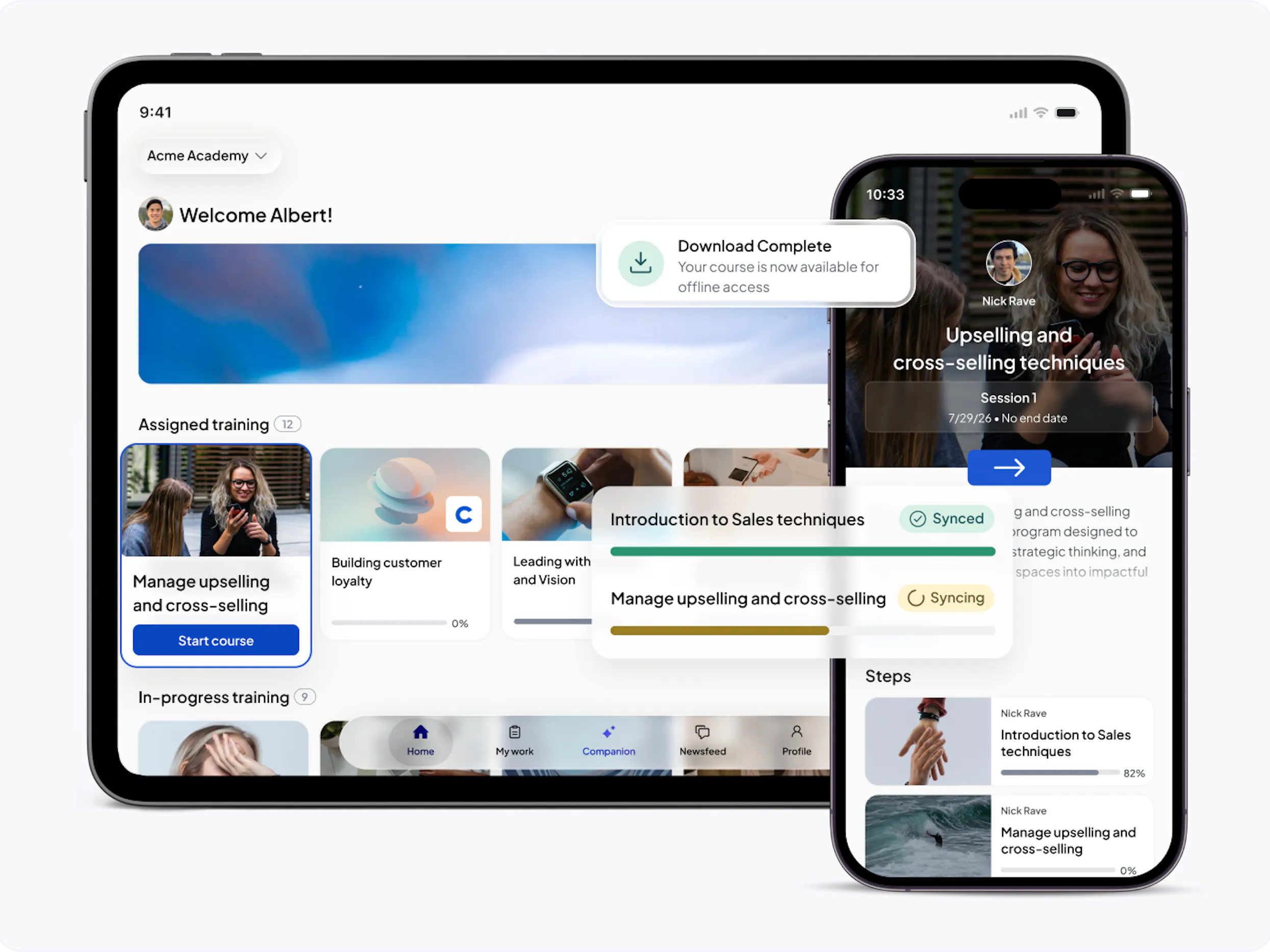
Give learners access to training wherever work happens, whether they are at a desk, on the move, sharing a device, or working somewhere with limited connectivity.
Give learners a native mobile experience across iOS and Android, so training stays accessible wherever their day takes them.
Keep learning moving in low-connectivity environments, from retail floors and warehouses to field sites and travel.
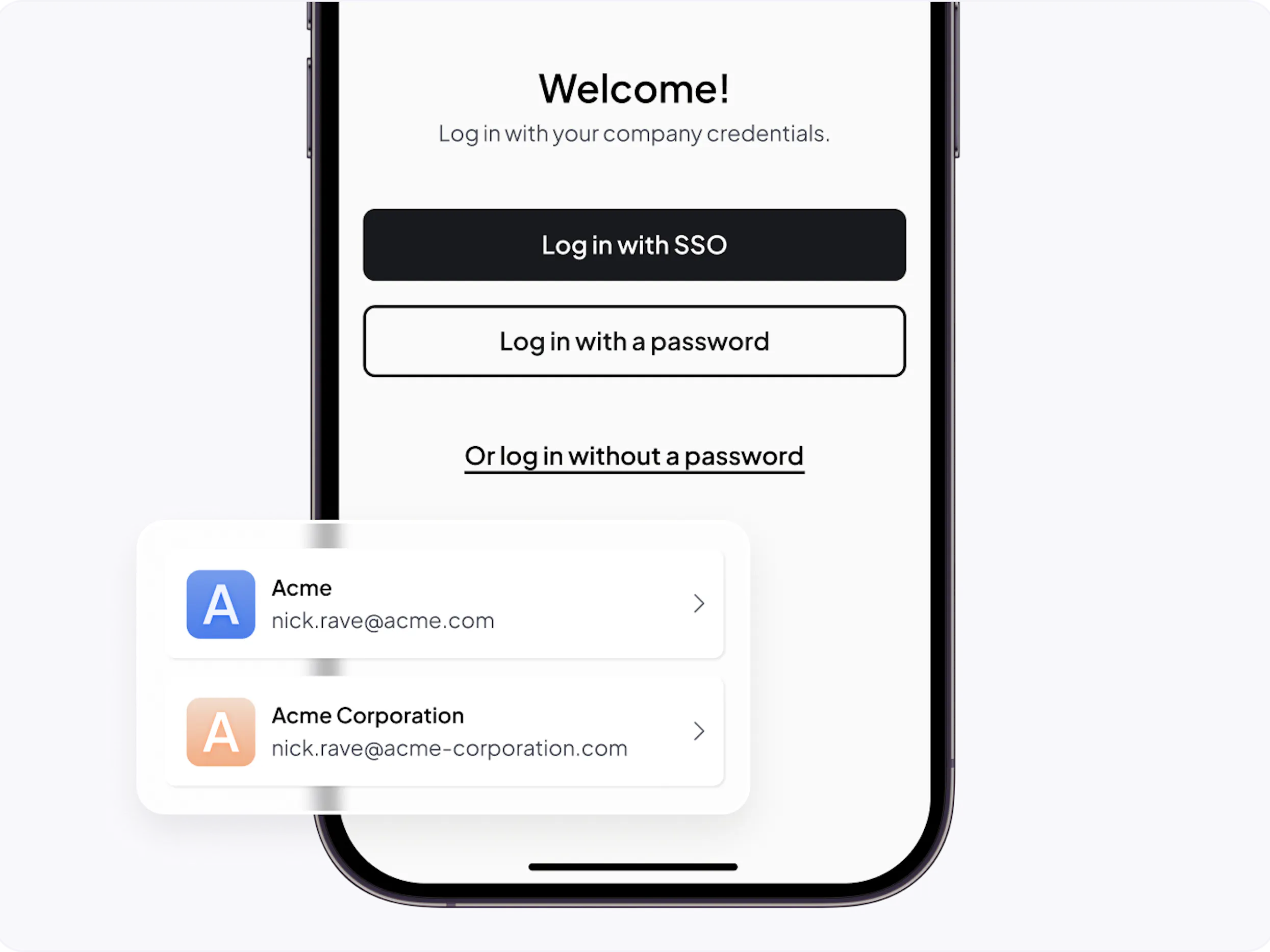
Training fails before it starts when employees can’t log in. Nobody has time to reset passwords or hunt for missing credentials. We eliminate these barriers with flexible login options.
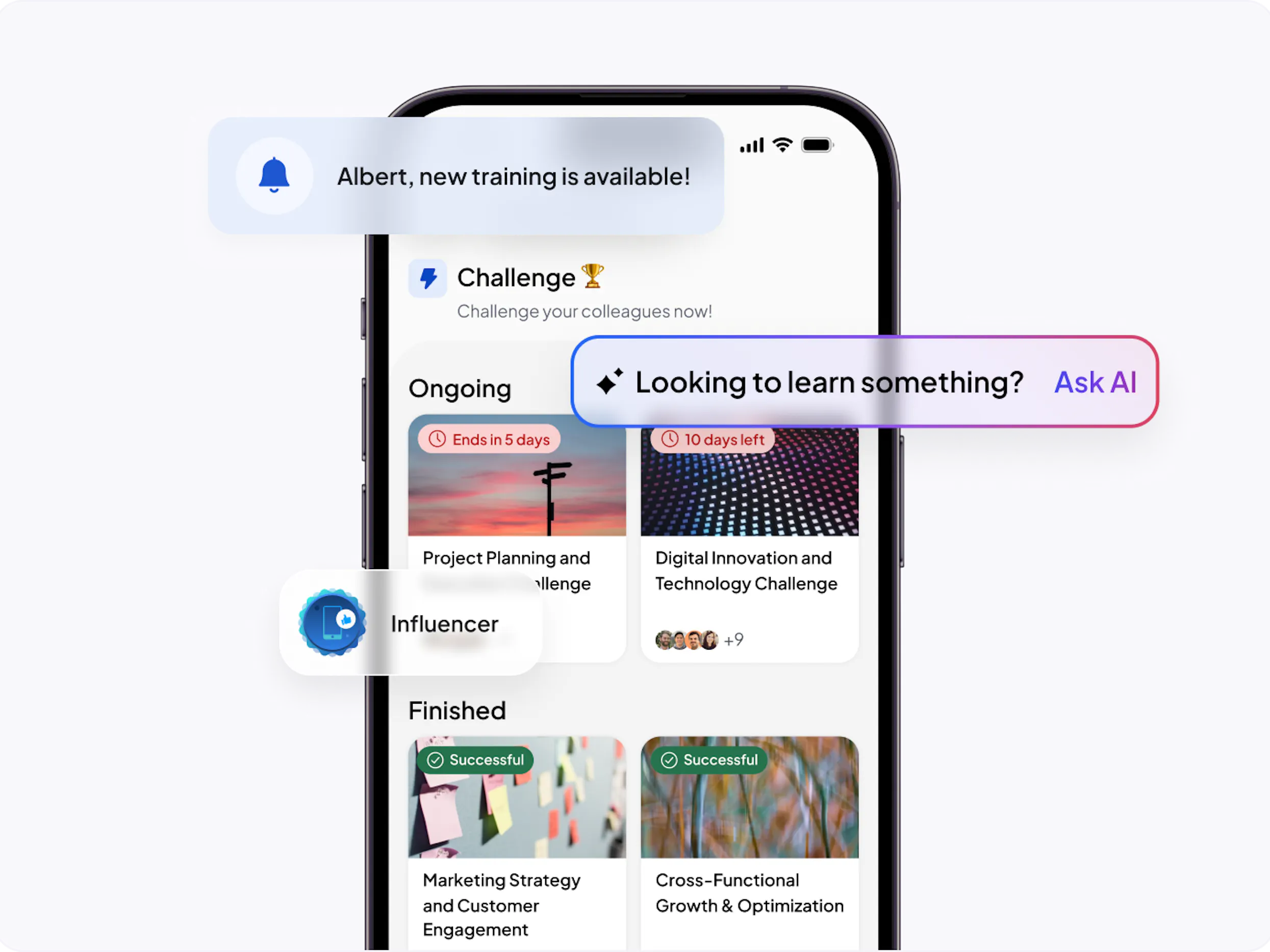
Give learners a fast, intuitive mobile experience that feels familiar from the first tap, so training is easier to find, complete, and come back to.
Deliver a consumer-grade mobile experience that feels simple, intuitive, and easy to use from the first tap.
With an AI Companion and AI-powered search, learners get accurate guidance—on everything from product details to customer questions—in the moments that matter.
1 in 5 completed courses on 360Learning happens in the mobile app.
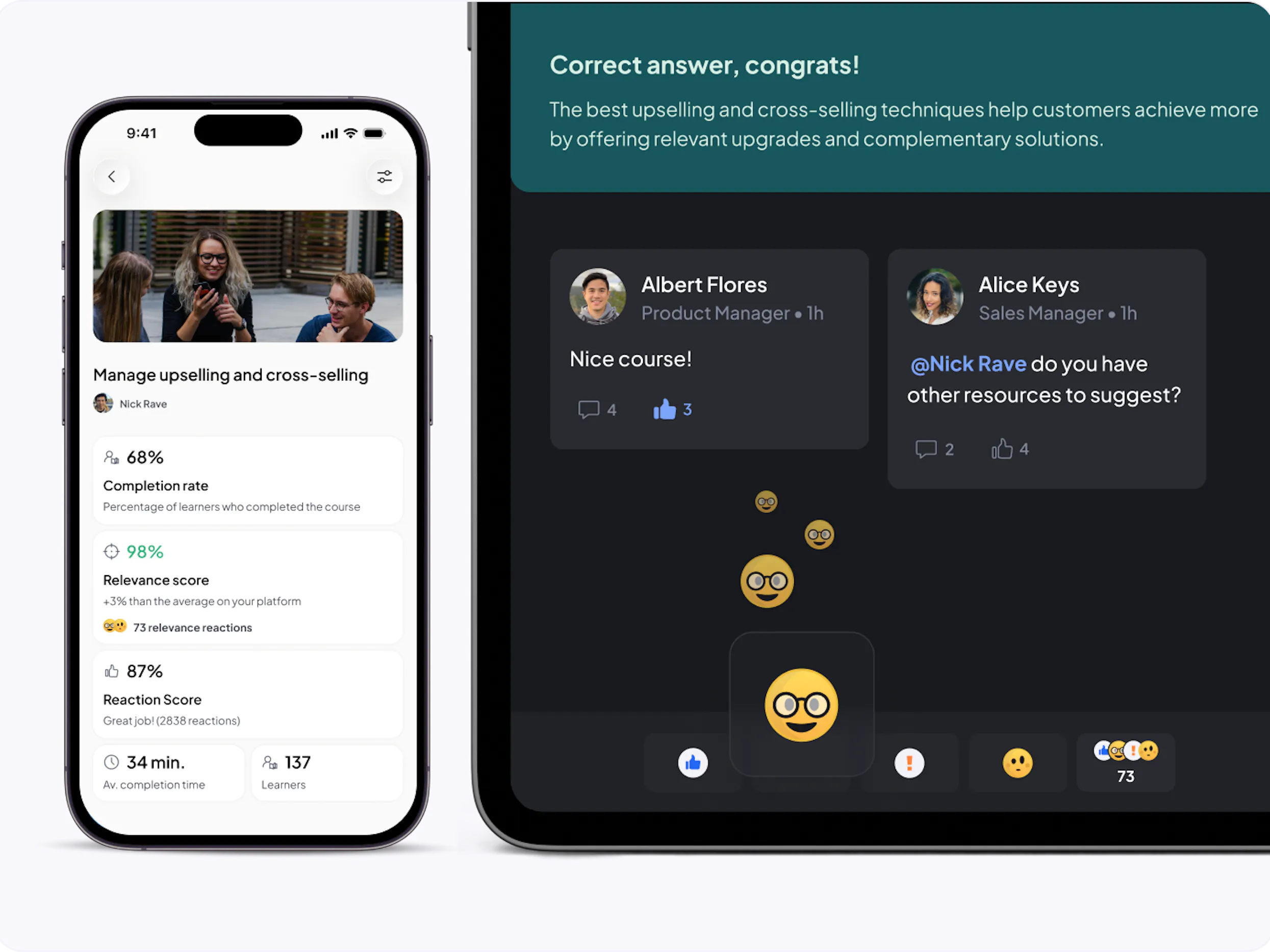
Give learners a place to ask questions, share feedback, and tap into internal expertise, wherever work happens.
Let learners ask questions, share feedback, and get answers directly in the flow of each learning activity.
Capture quick feedback from learners wherever they are, so teams can see what resonates and what needs improvement.
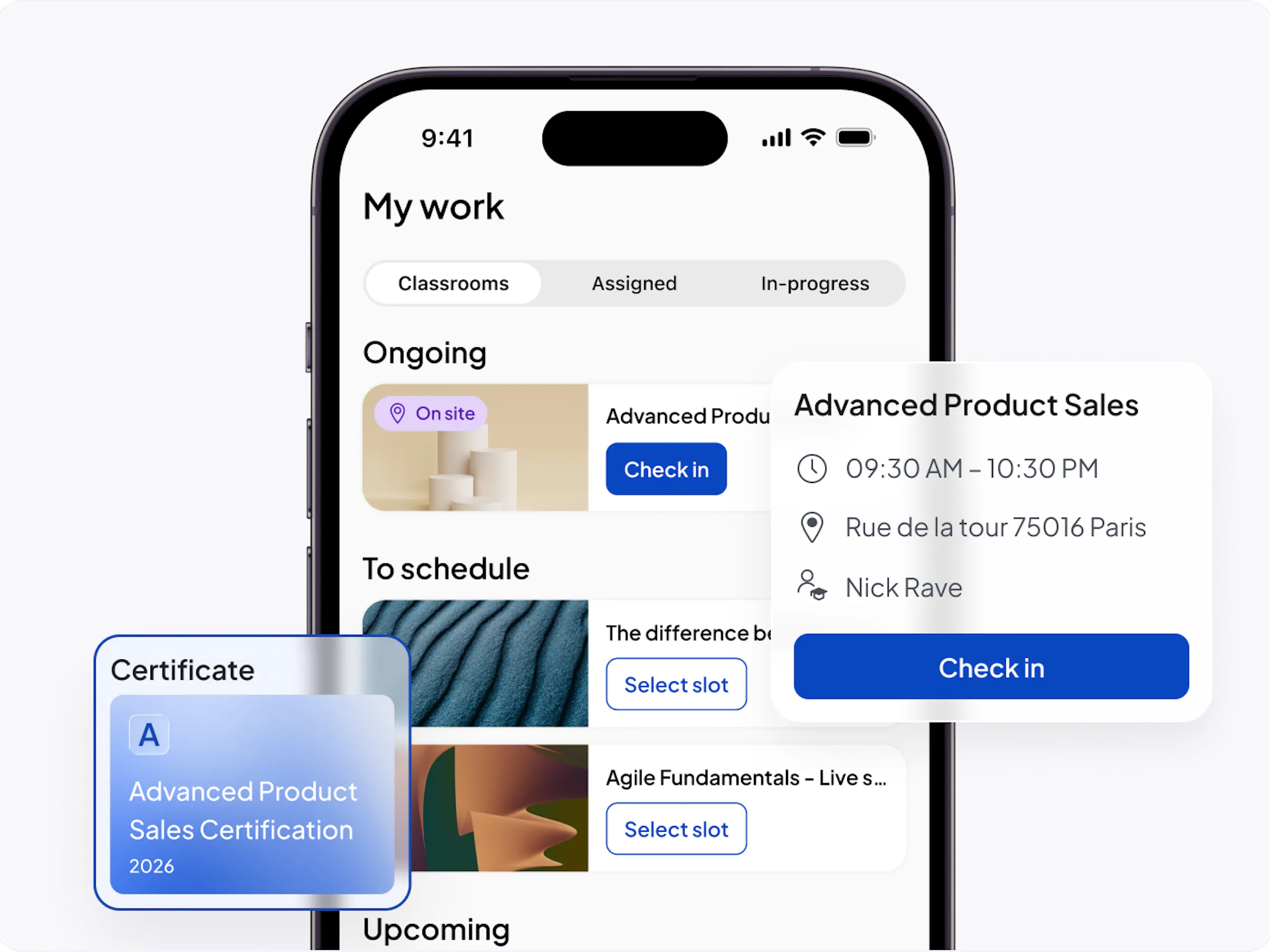
Learners can register, switch slots, and check in via mobile with audit-proof e-signatures. Once complete, custom certificates are delivered automatically in the learner's preferred language.
Give learners the autonomy to self-register, manage their schedules, and seamlessly switch session slots if conflicts arise.
Learners confirm attendance electronically on a personal or a device provided by the trainer.
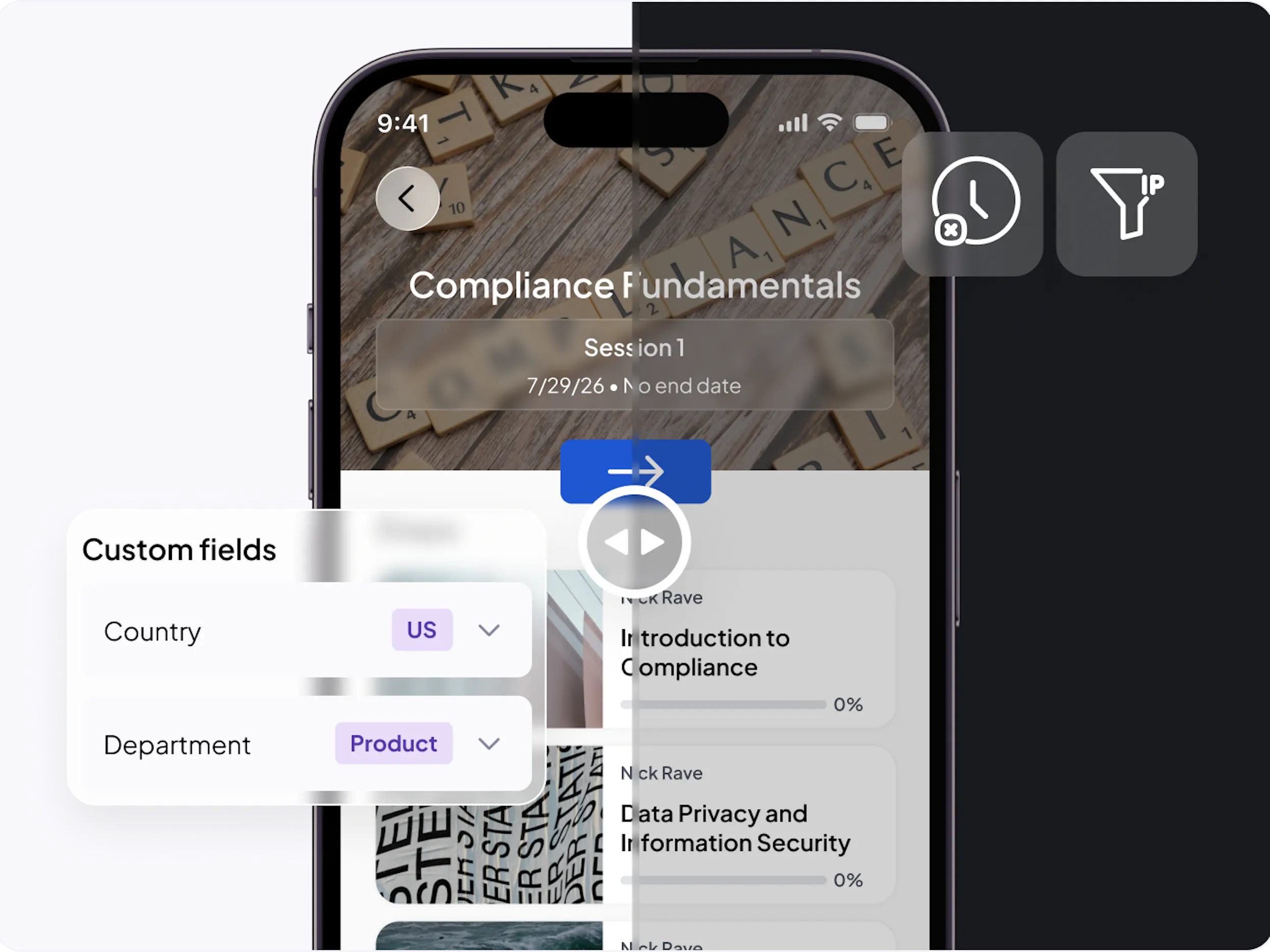
Tailor training to specific worker segments without manual overhead. 360Learning gives you total control through advanced group rules and automated workflows, ensuring that every employee gets the right training at the right time.
By restricting app access to specific locations with IP address filtering, you can enforce that learning stays within working hours—solving for labor and compliance requirements in one simple step.
Easily segment learners into relevant groups according to the characteristics that drive learning needs (by function, location, role, or any other dimension).
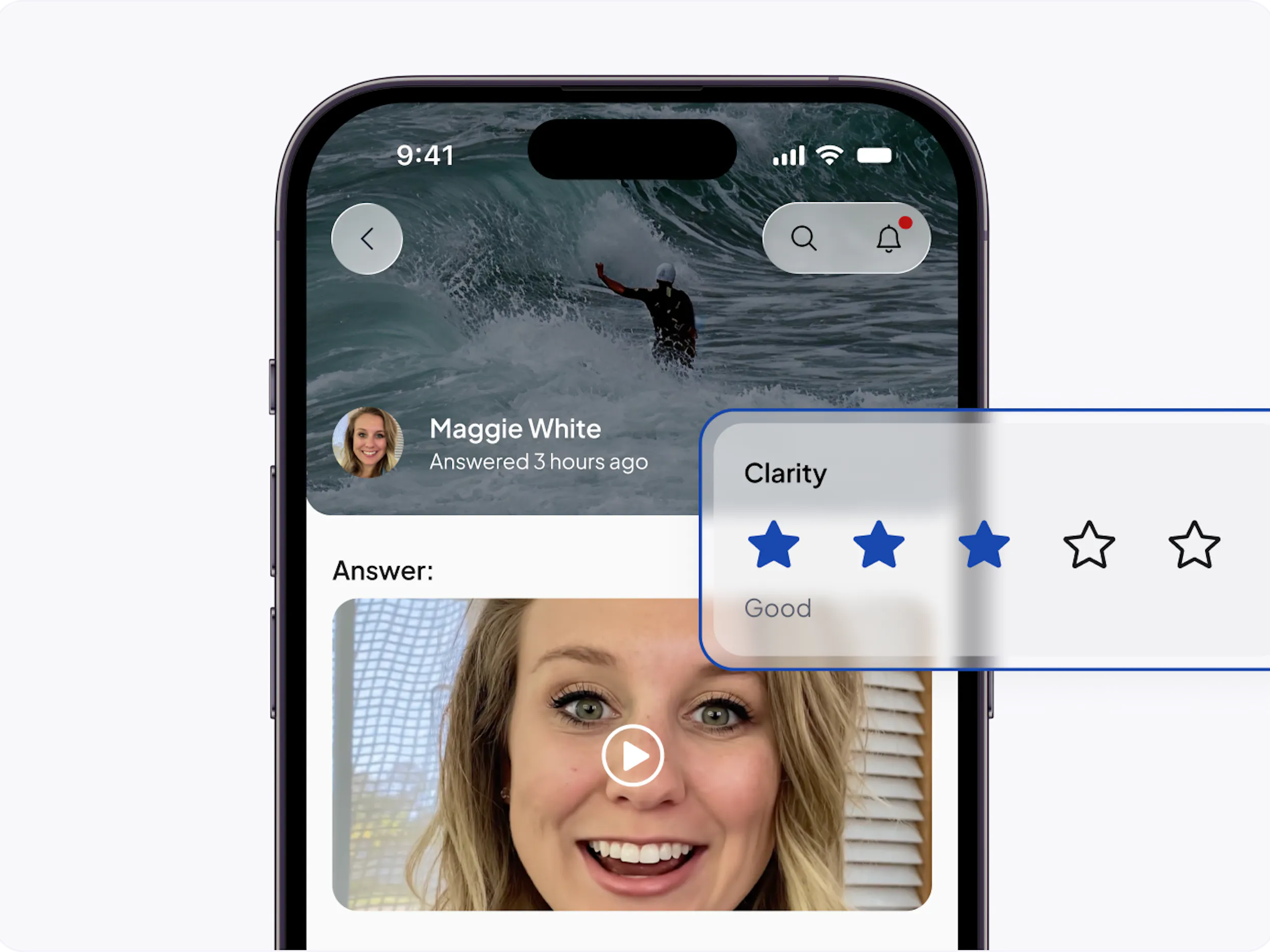
For mobile-first teams, Mobile Advanced unlocks premium mobile capabilities, including a branded app, shared device mode, video assessments, coaching on mobile, and manager insights.
Deliver a fully white-labeled mobile learning experience with your organization’s logo, app name, login screen, splash screen, and primary color, so the app feels like a natural part of your brand.
Support teams that rely on shared devices. Download content once for all users, make it available offline with one click, and keep learner progress tied to each individual profile.


What does the mobile user experience look like for learners?
What login and authentication options are available for employees using the 360Learning mobile app?
What happens if an employee gets interrupted mid-training on the 360Learning app?
Can teams access training modules offline without an internet connection?
How does the 360Learning mobile app drive long-term learner engagement?
Can employees manage in-person, blended, or classroom training schedules via the 360Learning mobile app?
Is it possible to restrict 360Learning mobile app access to specific hours or physical locations?


